
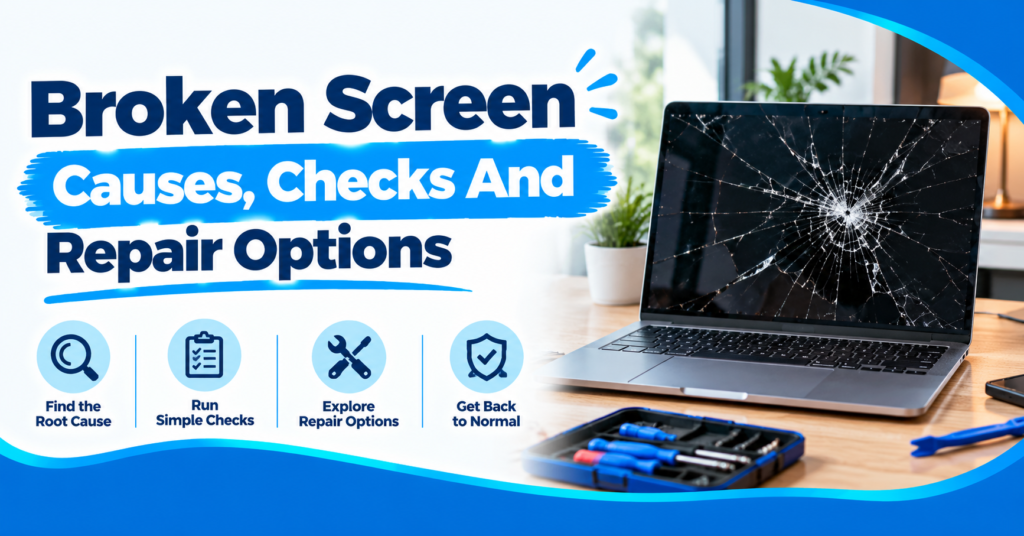
Have you ever dropped your phone and seen cracks spread? A broken screen can ruin your whole day. Many people keep using it and hope for the best. That is risky because cracks often grow. Touch problems and black spots can show up later. Some cracks look small but hide more serious damage. Acting early can save money. This guide explains common causes of screen damage. You will learn easy checks to try first. You will also see when repair makes sense. Phone Fix & Jewelry can help when you need it. Let us look at your options together.
Common Causes Of A Broken Screen
Most screen damage starts with physical impact. Drops remain one common cause of cracks. Pressure might also bend or break panels. Liquid might damage screen parts underneath. Heat and age sometimes cause display faults. A damaged hinge might affect laptop screens.
- Drops: Falls often crack glass and damage panels.
- Pressure: Heavy items might bend screen parts.
- Liquid: Water might damage touch and display parts.
- Hinge Damage: Laptop hinges might stress display cables.
- Impact: Hard hits might damage internal screen layers.
A cracked glass surface tells only part of the story. The picture might still look normal. Touch might also work across the screen. But more serious damage might appear later.
Screen damage often shows clear warning signs. Black areas might spread across the display. Lines might appear after a hard drop. Touch might fail around damaged areas. These signs need proper testing before repair.
Signs Your Screen Needs Professional Attention
Not every crack needs immediate replacement. But some signs point toward more serious damage. Black patches often mean panel damage. Flickering might point toward display faults. Touch failure might involve the touch layer. Professional testing helps separate these problems.
Cracks With Working Touch
A cracked screen might still work normally. You might still type and swipe without trouble. Small cracks still need careful handling. Pressure might make those cracks spread further. A shop should check the panel underneath.
Black Spots And Display Lines
Black spots often show damaged screen pixels. Colored lines might also appear after impact. Some panels develop dark areas slowly. Others lose the whole picture at once. These signs often need screen replacement.
Touch Stops Responding
Touch failure creates another common screen problem. The image might still look perfectly clear. Some areas might stop accepting taps. Other areas might respond without touching them. A technician should test the touch layer.
Safe Checks For A Broken Screen
Start with simple checks before booking repair. Look closely at the whole screen first. Check whether touch still works normally. Also test brightness and image quality. These checks give useful clues before repair.
- Check Cracks: Look around corners and screen edges.
- Test Touch: Swipe across different screen areas.
- Check Display: Watch for lines and dark spots.
- Test Buttons: Check power and volume buttons.
- Check Charging: Confirm the device still charges.
Do not push cracked glass back into place. Do not use sharp tools around cracks. Also avoid opening the device yourself. Modern screens often use delicate parts. One wrong move might cause more damage.
Should You Repair Or Replace The Screen?
Repair usually makes sense when other parts work. A new device costs much more than repairs. The repair price depends on several factors. Your device model affects part availability. Screen type also changes the repair price. Older devices need extra cost checking.
Check Your Device Age
Older devices need a simple cost check. Compare repair costs with another working device. Think about battery health before spending money. Also check storage and general device condition.
Check The Damage Level
A cracked glass surface differs from panel damage. Some devices use separate glass and panels. Others use one complete display assembly. Your technician should identify the damaged part. Do not guess from the crack alone.
Check Repair Quality
Ask what part the shop will install. Also ask about testing after repair. A written warranty adds extra peace of mind. It gives you clear repair coverage afterward. Phone Fix & Jewelry offers written repair warranties.
Broken Screen Problems Across Different Devices
Screen damage affects phones, tablets, and laptops. Each device has its own repair needs. Phones often suffer drops from hand height. Tablets face pressure inside bags and cases. Laptops often suffer hinge or lid damage.
- Phones: Cracks often affect glass and touch.
- Tablets: Large displays face pressure and drops.
- Laptops: Hinges might damage display cables.
- Game Consoles: HDMI faults might mimic screen problems.
- Touch Devices: Damaged touch layers might stop input.
A repair shop should test each device fully. Phone Fix & Jewelry handles several device types. Their services include phones and tablets. They also repair laptops and game consoles.
What Should A Repair Shop Check?
A proper screen check goes beyond visible cracks. The technician should test display output first. Touch response should also receive a full test. Charging should receive a separate check. Other device parts need testing too.
A good repair process starts with diagnosis. The shop should explain the needed repair. You should receive pricing before repair begins. This prevents surprise costs at pickup. Phone Fix & Jewelry follows this process.
Their team checks the touch and cameras. They also check speakers and charging ports. These checks happen before you pay. Written warranty coverage comes with repairs.
How Much Does Screen Repair Cost?
Screen repair prices vary between device models. A small phone differs from a tablet. Laptop panels also have different prices. Screen size affects replacement part costs. Screen type also affects the final price.
A cracked glass layer might need less work. A damaged panel might need full replacement. Some screens use combined display assemblies. Those parts often cost more to replace.
Ask for inspection before choosing repair. Do not compare prices between different models. A cheaper part might offer lower quality. Ask about the part and warranty first.
When Should You Stop Using The Device?
Stop using the device after severe screen damage. Sharp glass might hurt your fingers. Cracks might also spread during normal use. Liquid near screen damage needs extra care. Avoid charging devices with liquid damage.
Do not press hard on damaged glass. Do not bend a damaged laptop lid. Keep important files backed up when possible. Then seek professional testing before further use.
How Phone Fix & Jewelry Helps With Broken Screen Repairs
Phone Fix & Jewelry repairs phones and tablets. They also repair laptops and game consoles. Their tablet service covers cracked screens. Their laptop service covers broken screens too. They also handle battery and charging faults.
The shop offers free device inspection. You receive pricing before repair work starts. Technicians test repaired devices before payment. They check touch, cameras and speakers. They also check charging ports before pickup.
The shop offers written warranty coverage. Same-day service applies to many repairs. Quality parts support their repair work. The team works on major device brands.
The shop sits at 504C S Van Dorn St. The location is in Alexandria, Virginia 22304. Free parking is available outside the store. The shop opens seven days each week. Call (703) 328- 0514 before visiting.
Conclusion
A broken screen does not always mean replacement. First, check the damage and device response. Look for cracks, lines, and black spots. Test touch across the whole screen. Then compare repair costs with replacement costs. A proper inspection gives you clearer answers. Phone Fix & Jewelry offers screen repair services. Call (703) 328 0514 for repair details.
FAQs
What should I do with a broken screen?
Stop pressing the damaged glass and check the device’s function. Look for cracks, black spots,s and touch problems. Then seek professional repair if damage continues.
Is a broken screen worth repairing?
Repair often makes sense when other parts work. Compare repair costs with your device’s current value. Also check battery health and overall condition.
Can a cracked screen affect touch?
Yes, cracks might damage the touch layer. Some areas might stop responding after impact. Other areas might register taps incorrectly.
How do I know if screen damage is serious?
Look for black spots, lines,es or flashing images. Check whether touch works across the display. Severe damage needs professional testing before continued use.
Does Phone Fix & Jewelry repair broken screens?
Yes, Phone Fix & Jewelry repairs screens for phones. They also repair tablet and laptop screens. Call (703) 328- 0514 for repair information.