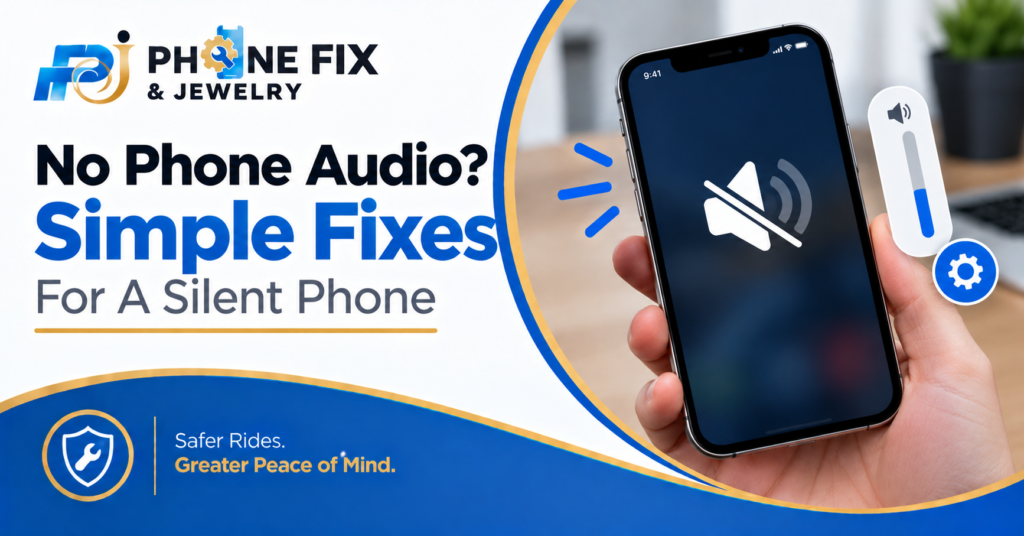
Have you ever opened a video and heard nothing? No phone audio can feel scary. But your speaker may still work fine. Simple settings often cause silent phone problems. Bluetooth can send sound somewhere else.
Dust can block small speaker openings. Water or drops can also cause damage. This guide covers simple checks first. You will also learn when repair makes sense.
Why Your Phone Has No Sound
Several things can stop sound from working. Some causes involve settings or connected devices. Others involve dust, water, software, or damage. Check these common causes before seeking repair.
- Volume Settings: Media and call volume use separate controls.
- Bluetooth Connection: Earbuds or cars can receive your sound.
- Silent Mode: Mute settings can stop alerts and media.
- Blocked Speaker: Dust and lint can cover speaker openings.
- Physical Damage: Drops or water can damage internal parts.
Check Your Phone Before Booking Repair
Start with simple tests before paying for repairs. Test one thing at a time. This makes the cause easier to find. It also stops you from making random changes.
Check The Volume While Playing Sound
Play a video or song on your phone. Then press the volume button. Check the volume while sound plays. Some phones separate media and call volume. A loud ringtone does not fix media sound. Make sure the video itself is not muted. Try another video after changing the volume.
You can also test headphones if available. This checks another audio output. If headphones work, check the phone speaker. If headphones fail too, check your settings again. This test gives you a better starting point.
Turn Off Bluetooth And Silent Mode
Bluetooth can send sound to another device. Turn Bluetooth off for a quick test. Remove nearby earbuds from your phone. Then check Silent Mode and Do Not Disturb. These settings can affect alerts and calls. Test the phone again after changing them.
Also check your connected audio devices. Your phone may still remember a car system. It may also connect with wireless earbuds. Turning Bluetooth off removes this problem quickly.
Restart Your Phone
A restart can clear temporary phone errors. Close your open apps before restarting. Wait until the phone loads fully again. Then play a video with sound. Make a test call after that. Check speakerphone during the call too.
These simple tests can show where trouble starts. If sound returns after restarting, watch the phone. The problem may come back later. Repeated sound loss needs further testing.
Look For Physical Causes
If settings look fine, check your phone itself. Look closely at the speaker area. Do not push anything inside those tiny holes. Sharp objects can damage the speaker mesh. They can also push dirt deeper inside.
- Remove the Case: A tight case can cover speaker openings.
- Check For Dust: Pocket lint often gathers around small grilles.
- Look For Moisture: Water can cause weak or muffled sound.
- Test After A Drop: Impact can loosen internal speaker parts.
- Try Different Sounds: Compare calls, music, alarms, and videos.
If the phone recently got wet, take care. Do not use a hair dryer. Do not pour liquid into the speaker. Do not push tissue into small openings. Water damage needs careful testing.
Test Different Audio Functions
Your phone uses different sound paths. Calls use different parts than music. Speakerphone also gives useful clues. Testing several functions helps find the problem.
Test Music And Videos
Play a saved video or music file first. This removes some network problems. Raise the media volume while playing it. Then try another app with sound. If one app stays silent, check its settings.
If every app stays silent, keep testing. No phone audio across many apps needs more attention. The speaker itself might have a problem. Software trouble can also cause this issue.
Test Calls And Speakerphone
Make a normal phone call to someone. Listen through the top speaker. Then switch to speakerphone during the call. If one mode works, one speaker path may have trouble. This test gives useful information before repair.
Ask the other person about their audio too. Their phone might have a separate problem. You can also record your voice. Play the recording through your phone speaker. This helps separate microphone problems from speaker problems.
Test Ringtones And Alerts
Open your sound settings and preview a ringtone. Check whether the preview makes sound. Then test an alarm or notification. These sounds can reveal system audio problems.
If every sound stays silent, keep testing. No phone audio across all functions needs attention. A repair shop can check the speaker and related parts.
When Cleaning Helps
Dust and lint often gather near phone speakers. A blocked grille can make sound weak. Remove your case before checking the openings. Use a soft dry brush around the outside. Do not use pins or metal tools.
Do not pour liquid into speaker openings. Avoid random cleaning tricks from videos. A soft brush works better for surface dust. Stop cleaning if the grille looks damaged.
Check the charging port with good light too. Lint can gather inside the port. Be careful if you see packed dirt. Never force anything deep inside the port. You could damage small internal parts.
Water needs extra care. Avoid heat from hair dryers. Do not shake the phone hard. Do not add more liquid to clean it. If sound stays weak after water exposure, get help.
When No Phone Audio Needs Repair
Some sound problems point toward damaged hardware. A hard drop can damage the speaker module. Water can affect internal contacts and parts. A failed speaker also needs proper testing.
Avoid opening the phone without repair skills. Small cables and parts sit close together. One mistake can create another problem. Let a technician check the phone first.
No phone audio after water needs careful testing. If no phone audio follows a drop, seek testing. Repair checks can also protect your phone data. Ask before any reset or software change. Back up photos and contacts before service.
A good repair check should test several functions. The technician should test the speaker and microphone. They should check charging and related parts too. Phone Fix & Jewelry checks screens, cameras, speakers, and ports. You pay after the device passes those checks.
How Phone Fix & Jewelry Can Help
Phone Fix & Jewelry handles phone speaker and audio problems. The shop also repairs tablets, laptops, and game consoles. Same-day service happens at the Van Dorn store. Most repairs finish while you wait. Parts stay in stock for common repairs.
The price stays the same at pickup. Each repair includes written parts and labor coverage. The team checks your device before payment. They test screens, cameras, speakers, and charging ports. You also avoid mail-in repair service.
The shop sits at 504C S Van Dorn St., Alexandria, VA 22304. Free parking is out front. The store stays open seven days each week. Call (703) 328- 0514 before visiting.
Conclusion
No phone audio often starts with a simple cause. Check volume, Bluetooth, mute settings, and your case. Then test calls, music, videos, and alerts. Clean only the outside speaker area. Stop home testing after drops or water damage. A proper check can find the real fault. Phone Fix & Jewelry offers same-day repair. Call (703) 328 0514 for support.
FAQs
Why Does My Phone Have No Sound?
Check media volume first. Then turn Bluetooth and Silent Mode off. Restart your phone and test several apps. If sound stays absent, book a speaker check.
Why Is My Phone Speaker Silent During Calls?
Check call volume during an active call. Then test speakerphone. If one mode works and another fails, one speaker path may need testing.
Does Bluetooth Cause No Phone Audio?
Yes, Bluetooth can send sound elsewhere. Turn Bluetooth off and test again. If sound returns, check your connected device settings.
Does Dust Stop Phone Speakers From Working?
Dust and lint can block speaker openings. This can make sound weak or muffled. Clean outside areas with a soft, dry brush. Avoid sharp tools.
When Should I Get Phone Audio Repaired?
Get help when basic checks fail. Repair also makes sense after drops or water exposure. A technician should test the speaker before replacing parts.